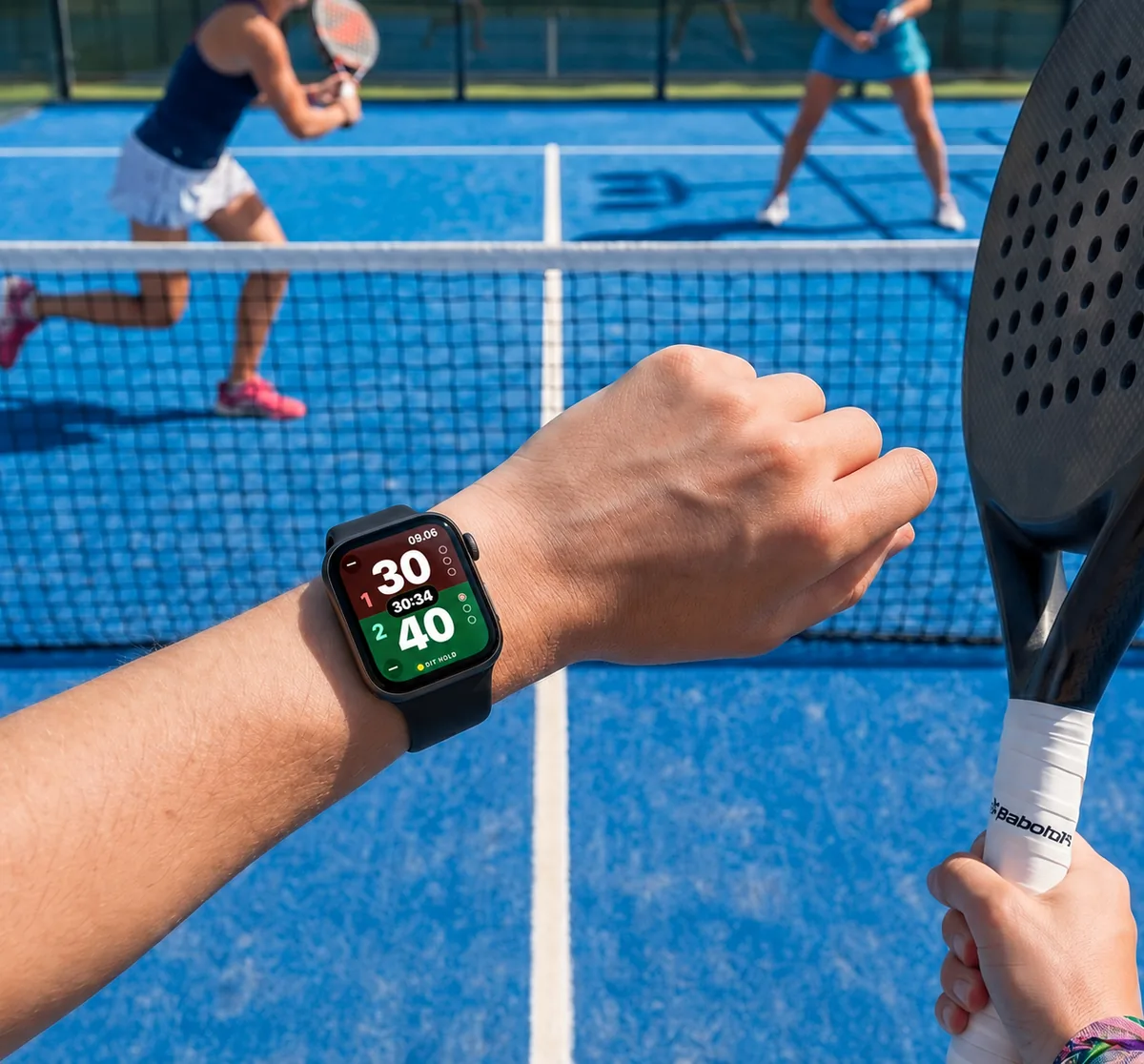
The point counter on your wrist.
Tap the watch and the score changes on the phone at once. Free, and it works when you are just playing a friendly match too — no tournament needed.

Getting the watch on board
Foreningspadel for Apple Watch is not installed separately — it comes with the iPhone app. You simply need the watch paired with the phone the app is on.
- 1
Pair the watch with your iPhone
If you have not done so yet: open the Watchapp on your iPhone and follow the instructions. That is Apple's own setup — we do not touch it.
- 2
Get Foreningspadel on your iPhone
The watch part comes along with it. If the app is already installed, there is nothing to do.
- 3
Find it on the watch
Press the Digital Crown to see your apps and open Foreningspadel. Put it on the watch face as a complication, and it is one tap away on court.
Requirements
- Apple Watch Series 4 or later, running watchOS 10 or later.
- An iPhone with Foreningspadel installed — the watch gets its data through the phone.
How to use it
The watch is the remote, the phone is the scoreboard. All four players look at the phone — only whoever is counting looks at the watch.
Start a match
Open Foreningspadel on the watch and start the point counter. If a tournament match is under way, the watch finds the match you have been drawn into by itself.
Tap your team's half
One tap is one point. The watch gives your wrist a small nudge, so you know it went through without looking.
The watch syncs with the phone
Every tap is passed straight to the phone, so the two always show the same score. Count wrong and you can correct it on either — the minus button takes the point back, and the correction lands in both places.
Match time runs along the top
The watch shows the score, the games and how long you have been playing.
During a tournament the watch starts itself
There is nothing to hunt for on court. Be signed in to the app at your club and open the match on the phone — the point counter then opens by itself on the watch, with the right teams set up.
The phone must stay open
It is the phone that shows the big score and holds the connection. Lock it, or close the app, and the display stops. Leave it lying with the screen on and the app open.

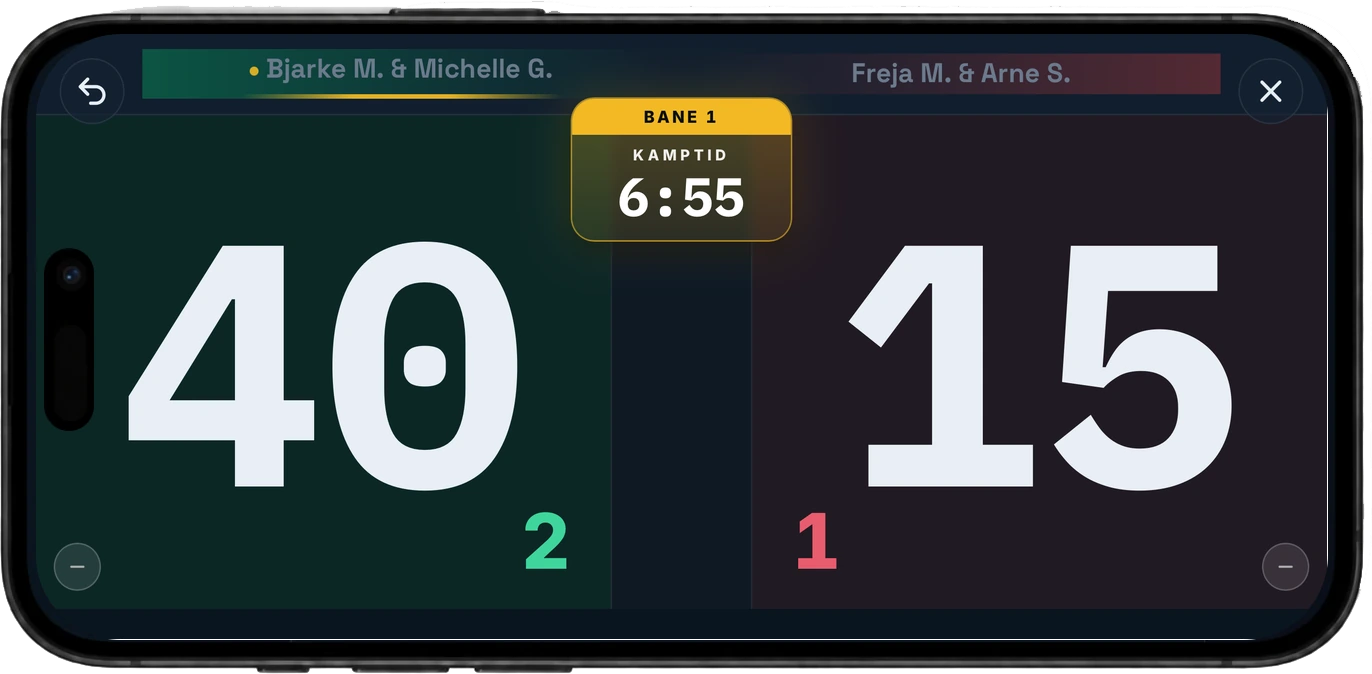
Hang the phone by the scoreboard — use the watch
Use an elastic phone holder or a rubber band, and put the phone on the outside of the fence by the scoreboard — or somewhere else that suits.
Phone and watch are synced one to one and show the same thing. If the club is using the big screen, the score goes there as well.
Turn the phone on its side
In landscape the numbers fill the screen and can be read from the far end of the court.
Hang it behind the fence
The same place as the scoreboard. That keeps it out of the way of the balls, and everyone looks there anyway.
Set the screen never to turn off
During the match, set the phone's auto-lock to Never, or put it on charge. The app keeps the screen awake itself while the point counter is full screen, but a few minutes without a tap can still turn it off on some phones.
Then everyone can follow along
You tap the watch without walking over to the phone — and your opponents can always see the score for themselves.
Do not have the app yet?
The point counter comes with it. It costs nothing, and you do not need to belong to a club to use it.